


Great reasons to buy from us:
-

30-Day Money-Back Guarantee
Changed your mind? Ordered the wrong thing? Simply return your item for a prompt exchange or refund. -

Free Shipping Over $49
Enjoy free shipping when you spend over $49 in the U.S. -

Secure Checkout
SSL Protected Checkout & Strongly Secure for Payments -

Fast Handling
Every order is a priority to us. We handle your order quickly to ensure you get your product fast.


1. Product Basics
- Weight (including packaging): 81.3g
- Packaging: Thin - corrugated color box
- Material: ABS
2. Product Parameters
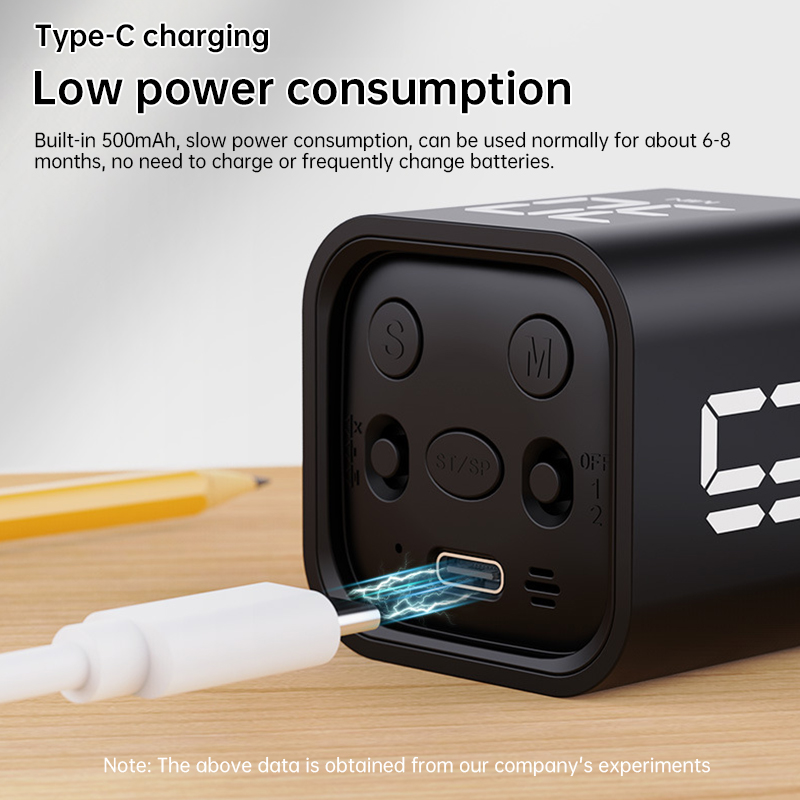
- Battery capacity: 500mAh
- Working temperature: 0°C - 50°C
- Standby power consumption:<20uA
- Hibernation power consumption: <150uA
- Working current: 11mA
- Charging current: 500mA
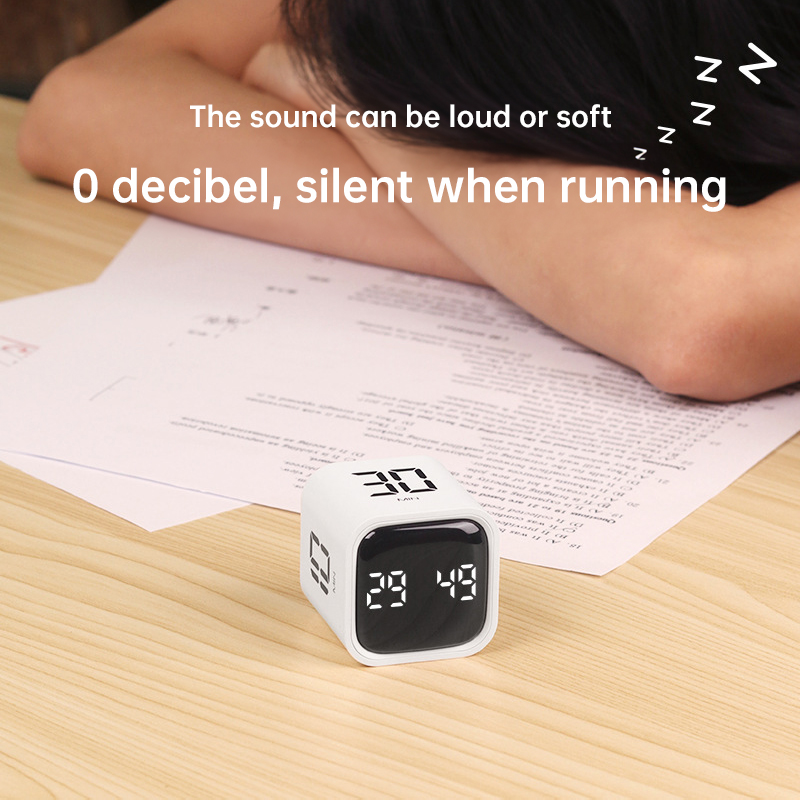
- Volume settings: Mute/Vibration, Loud (90 - 100DB), Quiet (70 - 80DB)
3. Operation Instructions
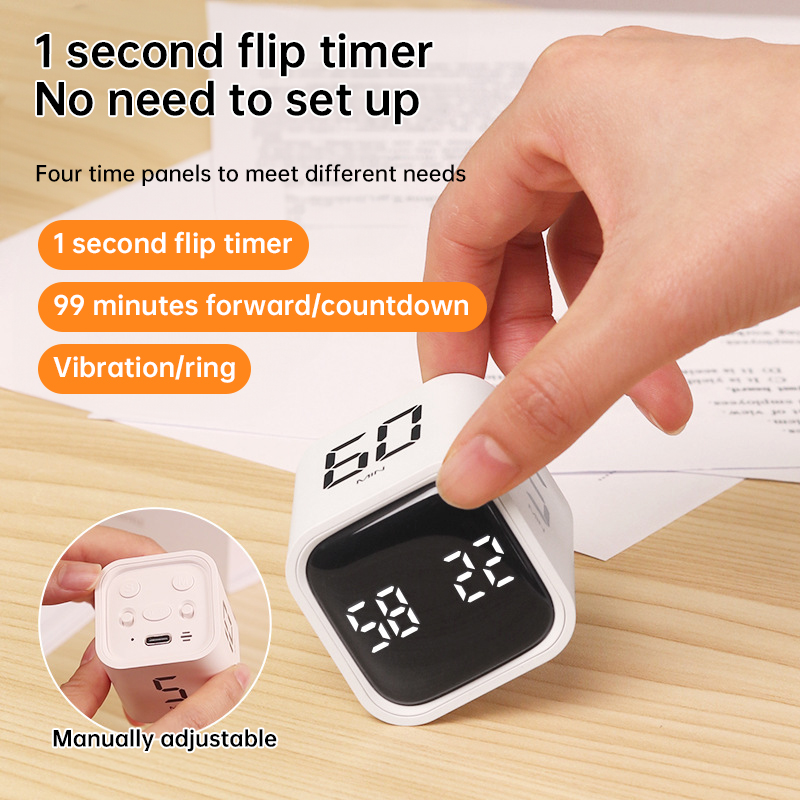
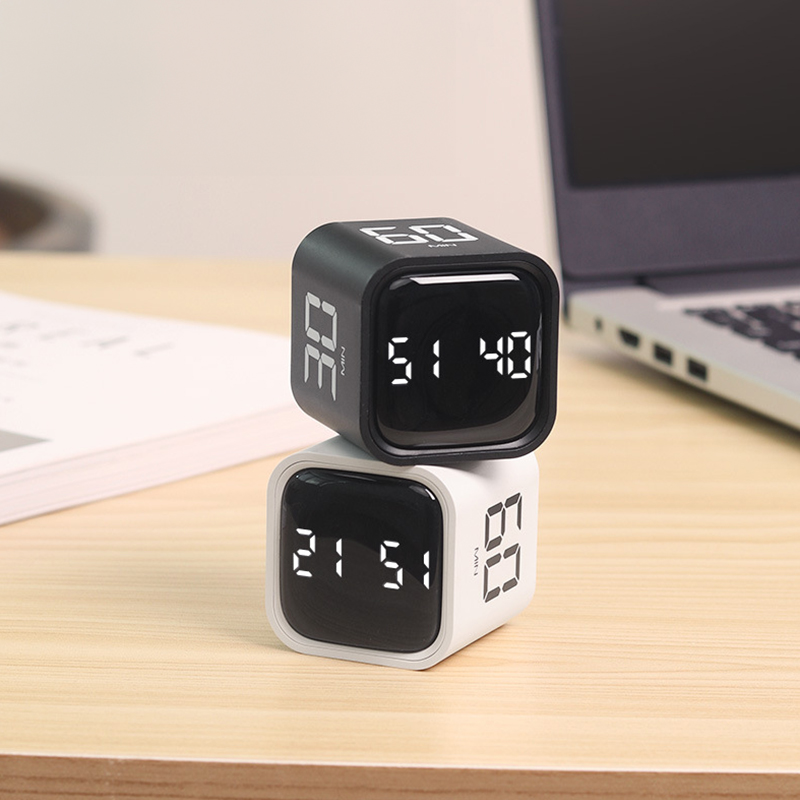
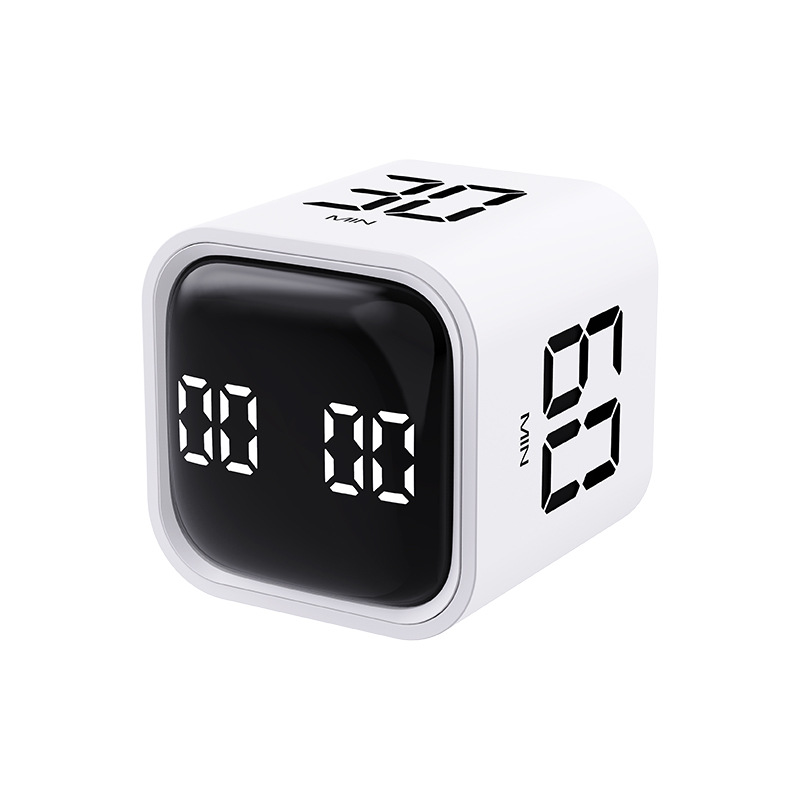
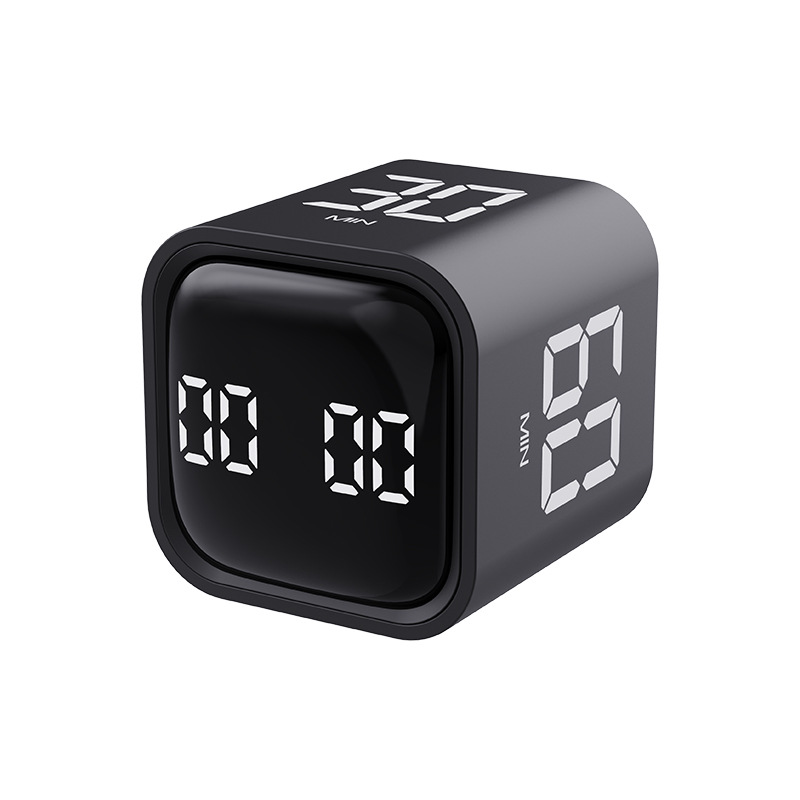
- Gravity Mode (Mode 1): Flip the switch to this mode. Flip the device with 5 - 10 - 30 - 60 minutes side up to start countdown. Flip the screen up to pause, and flip the screen down to reset the timer.
- Manual Mode (Mode 2):
- Positive Counting:
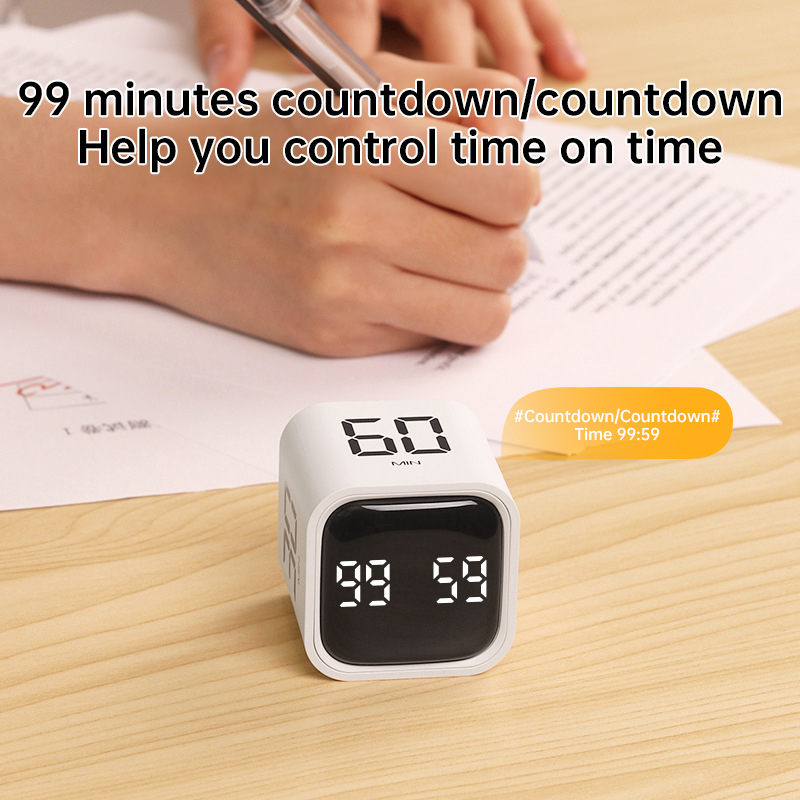
1. When the display shows 00:00, short - press the [SP/ST] key to start positive counting.
2. During counting, short - press the [SP/ST] key to pause/resume.
3. In pause state, long - press the [ST/SP] key to clear.
- Countdown Setting:
1. Short - press the [M/S] key to incrementally adjust the countdown time. Long - press it for rapid adjustment. After setting, short - press the [SP/ST] key to start.
2. During counting, short - press the [SP/ST] key to pause/resume.
3. In pause state, long - press the [ST/SP] key to clear.
4. When the countdown reaches 00:00, there will be a one - minute alarm. The alarm cycles between “beeping with LED on” and “sound off with LED off” in 1 - second intervals. In mute mode, there is vibration alert.
5. Memory mode: After countdown ends, short - press the [SP/ST] key again to show the set time. Long - press the [ST/SP] key to clear. Short - press to cycle.
4. Precautions
- The product will auto - hibernate if the user forgets to turn it off or there is no operation for 5 minutes.
- The alarm duration is 1 minute after positive/countdown ends.
- After hibernation, in gravity mode, it can be used by flipping; in manual mode, it can be adjusted by pressing.
- In mute mode, there is vibration feedback at the end of timing or for any operation. In volume mode, there is a “beep” feedback for operations.
- When the battery level is below 10%, the screen flashes to remind charging. The charging indicator is red during charging and turns green when fully charged.


| Shipping | This item ships to |
| Delivery | Estimated between and . Will usually ship within 1 business day. |
Description
1. Product Basics
- Weight (including packaging): 81.3g
- Packaging: Thin - corrugated color box
- Material: ABS
2. Product Parameters
- Battery capacity: 500mAh
- Working temperature: 0°C - 50°C
- Standby power consumption:<20uA
- Hibernation power consumption: <150uA
- Working current: 11mA
- Charging current: 500mA
- Volume settings: Mute/Vibration, Loud (90 - 100DB), Quiet (70 - 80DB)
3. Operation Instructions
- Gravity Mode (Mode 1): Flip the switch to this mode. Flip the device with 5 - 10 - 30 - 60 minutes side up to start countdown. Flip the screen up to pause, and flip the screen down to reset the timer.
- Manual Mode (Mode 2):
- Positive Counting:
1. When the display shows 00:00, short - press the [SP/ST] key to start positive counting.
2. During counting, short - press the [SP/ST] key to pause/resume.
3. In pause state, long - press the [ST/SP] key to clear.
- Countdown Setting:
1. Short - press the [M/S] key to incrementally adjust the countdown time. Long - press it for rapid adjustment. After setting, short - press the [SP/ST] key to start.
2. During counting, short - press the [SP/ST] key to pause/resume.
3. In pause state, long - press the [ST/SP] key to clear.
4. When the countdown reaches 00:00, there will be a one - minute alarm. The alarm cycles between “beeping with LED on” and “sound off with LED off” in 1 - second intervals. In mute mode, there is vibration alert.
5. Memory mode: After countdown ends, short - press the [SP/ST] key again to show the set time. Long - press the [ST/SP] key to clear. Short - press to cycle.
4. Precautions
- The product will auto - hibernate if the user forgets to turn it off or there is no operation for 5 minutes.
- The alarm duration is 1 minute after positive/countdown ends.
- After hibernation, in gravity mode, it can be used by flipping; in manual mode, it can be adjusted by pressing.
- In mute mode, there is vibration feedback at the end of timing or for any operation. In volume mode, there is a “beep” feedback for operations.
- When the battery level is below 10%, the screen flashes to remind charging. The charging indicator is red during charging and turns green when fully charged.
Shipping
| Shipping | This item ships to |
| Delivery | Estimated between and . Will usually ship within 1 business day. |


