


Great reasons to buy from us:
-

30-Day Money-Back Guarantee
Changed your mind? Ordered the wrong thing? Simply return your item for a prompt exchange or refund. -

Free Shipping Over $49
Enjoy free shipping when you spend over $49 in the U.S. -

Secure Checkout
SSL Protected Checkout & Strongly Secure for Payments -

Fast Handling
Every order is a priority to us. We handle your order quickly to ensure you get your product fast.


Description
*Note: If the TV stick restarts again and again after a few seconds or minutes, or the small light bulb of the external signal line is sometimes on and sometimes off, the problem is that the output voltage and current of your TV are not 5V/2A. You need to replace it with a 5V/2A adapter to power it, and the machine will start normally.
Please use the cable provided by us, do not change the cable at will, in order to avoid the machine cannot be turned on
Netflix Usage tutorial:
1. After connecting to WiFi, open APPs, find the black Netflix software, and click to open
2. After clicking to open Netflix, the login interface will appear. Click the mouse switch button on the remote control to switch the remote control to mouse mode, and click the login button of the software
3. Click the mouse button again to switch the remote control to remote control mode, enter the account and password to log in
3. Use the mouse mode of the remote control to click the video you want to play
Package including:
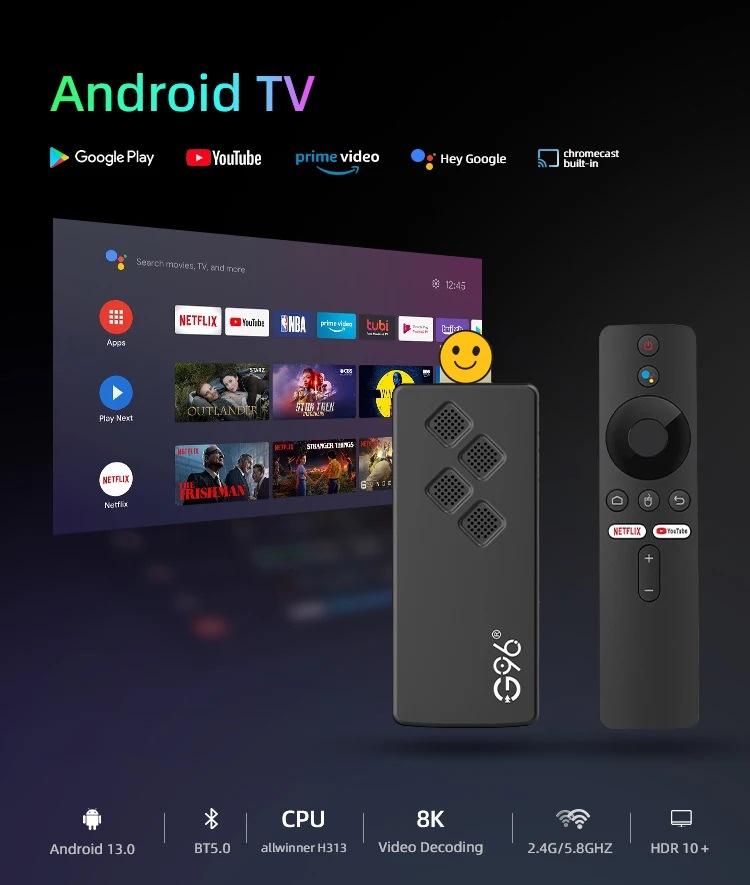
1 x Q2 TV Stick
1 x remote control
This product has three remote controls to choose from. Please choose the one you need according to your needs:
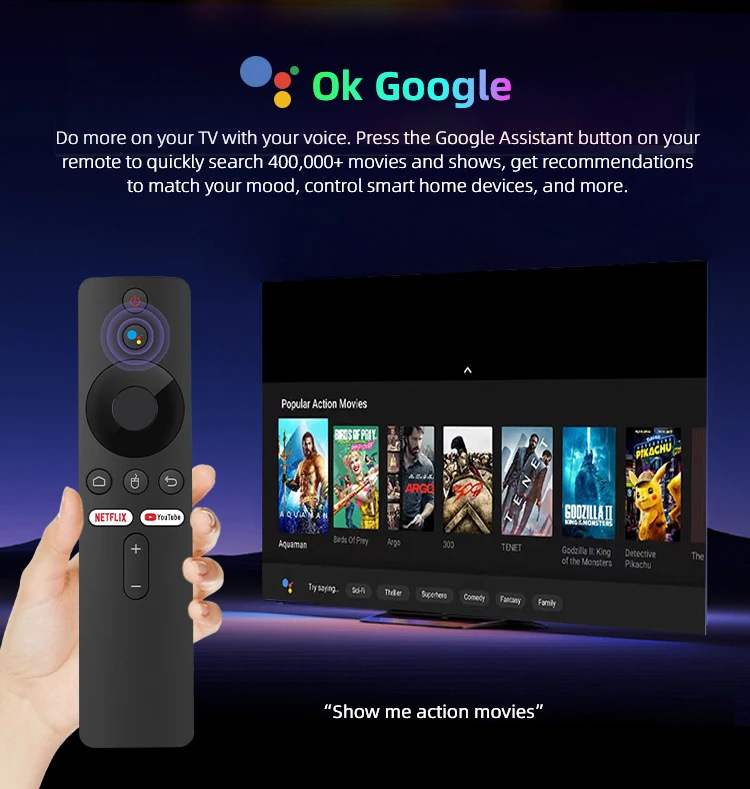
1*Infrared remote control 1*31-key infrared remote control 1*Voice remote control
The two infrared remote controls have no Bluetooth voice function, and when the pairing interface automatically appears on the TV screen, you only need to press the return button of the remote control to exit the pairing interface. Customers who need to use the voice function need to purchase a voice remote control
(The remote control must point to the small light bulb of the TV stick external signal line)
1 x HD cable
1 x Infrared signal receiving line
1 x USB power cable(no adapter,power by USB cable,if your tv not DC 5V/2A,must use DC 5V/2A adapter to power it)
1 x Manual
1 x retail box





| Shipping | This item ships to |
| Delivery | Estimated between and . Will usually ship within 1 business day. |
Description
Description
*Note: If the TV stick restarts again and again after a few seconds or minutes, or the small light bulb of the external signal line is sometimes on and sometimes off, the problem is that the output voltage and current of your TV are not 5V/2A. You need to replace it with a 5V/2A adapter to power it, and the machine will start normally.
Please use the cable provided by us, do not change the cable at will, in order to avoid the machine cannot be turned on
Netflix Usage tutorial:
1. After connecting to WiFi, open APPs, find the black Netflix software, and click to open
2. After clicking to open Netflix, the login interface will appear. Click the mouse switch button on the remote control to switch the remote control to mouse mode, and click the login button of the software
3. Click the mouse button again to switch the remote control to remote control mode, enter the account and password to log in
3. Use the mouse mode of the remote control to click the video you want to play
Package including:
1 x Q2 TV Stick
1 x remote control
This product has three remote controls to choose from. Please choose the one you need according to your needs:
1*Infrared remote control 1*31-key infrared remote control 1*Voice remote control
The two infrared remote controls have no Bluetooth voice function, and when the pairing interface automatically appears on the TV screen, you only need to press the return button of the remote control to exit the pairing interface. Customers who need to use the voice function need to purchase a voice remote control
(The remote control must point to the small light bulb of the TV stick external signal line)
1 x HD cable
1 x Infrared signal receiving line
1 x USB power cable(no adapter,power by USB cable,if your tv not DC 5V/2A,must use DC 5V/2A adapter to power it)
1 x Manual
1 x retail box
Shipping
| Shipping | This item ships to |
| Delivery | Estimated between and . Will usually ship within 1 business day. |


