


Great reasons to buy from us:
-

30-Day Money-Back Guarantee
Changed your mind? Ordered the wrong thing? Simply return your item for a prompt exchange or refund. -

Free Shipping Over $49
Enjoy free shipping when you spend over $49 in the U.S. -

Secure Checkout
SSL Protected Checkout & Strongly Secure for Payments -

Fast Handling
Every order is a priority to us. We handle your order quickly to ensure you get your product fast.


Product Name: the seventh generation moisture tester
Product Size: 147 * 35 * 27mm
Product Use: test skin water oil balance
Product Material: ABS
Power Supply Mode: battery (two batteries need to be prepared by themselves)
Applicable Objects: General
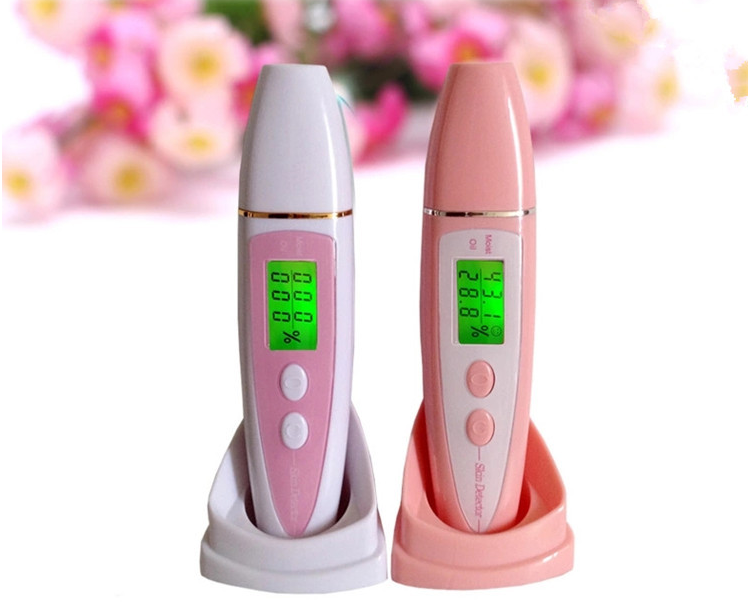
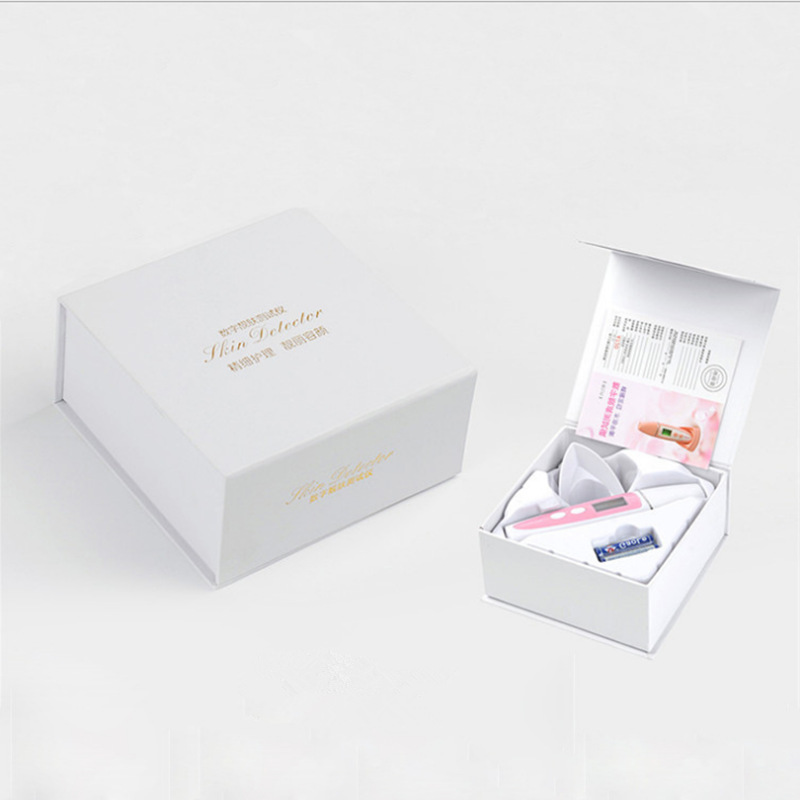
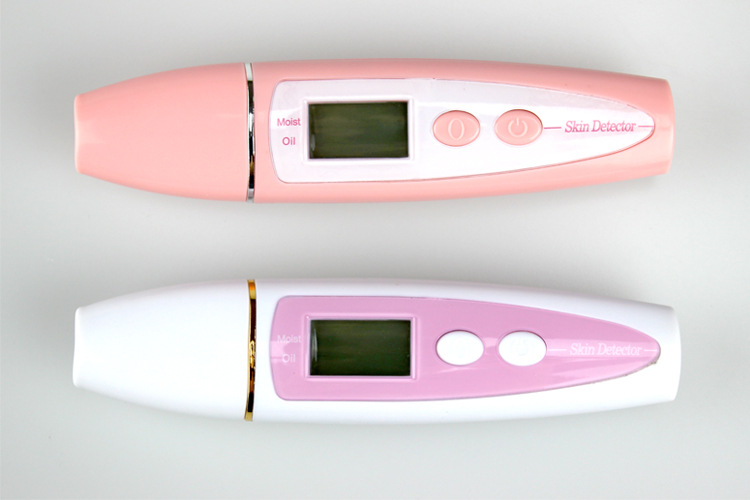
Shows skin moisture and oil elasticity
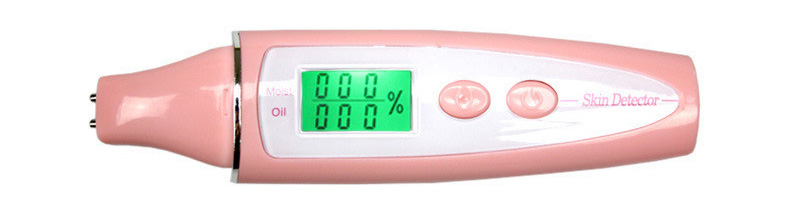
Before testing
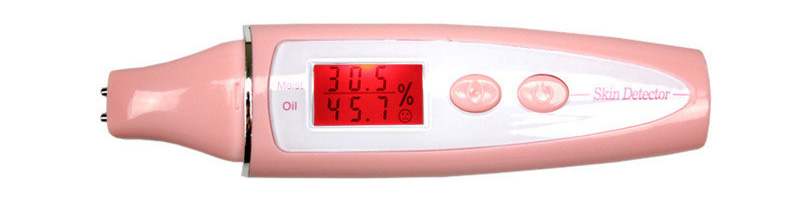
After the test (red alarm status is displayed for insufficient moisture)
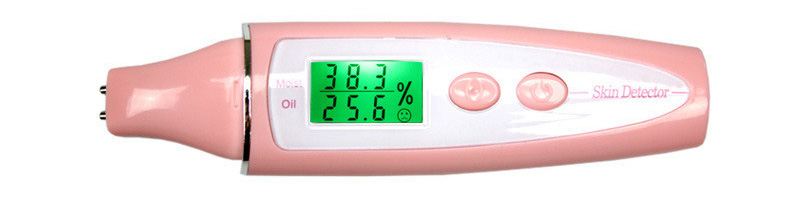
After the test (the water content is normally displayed in green)
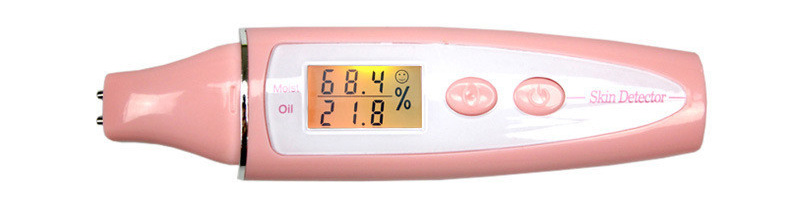
After test (skin water and oil reach saturation)
Usage Method
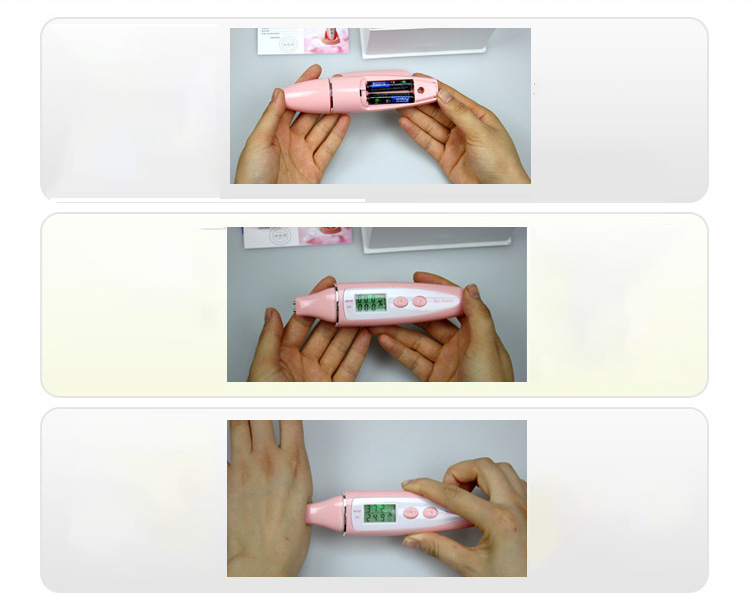
Step 1: Install two No. 7 batteries. Pay attention to the positive and negative poles!
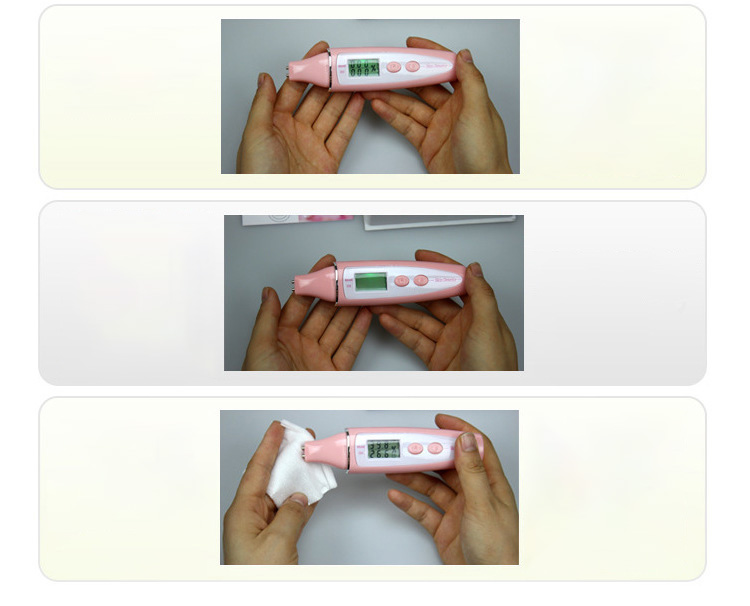
Step 2: Press the power on key on the right side, and pull out the probe protection cover at the same time. Note that the screen data is flashing at this time. Please do not touch the probe to the skin when the data is flashing.
Step 3: After the screen display is stable and you hear "tick" twice, please contact the probe with the skin to be tested, and take off the moisture test pen to read the data after you hear "tick" for 3-6 seconds. Note: ① Do not move the probe when it contacts the skin; 2 In order to measure accurate values, it is recommended that all probes be pressed in.
Step 4: If the second test is required, press the reset button on the left, and then repeat step 3 of step 2.
Step 5: If you need to check the memory function, please press and hold the power on key for 3 seconds under the power on state to enter the memory mode, and you can check and test three groups of memory data. To exit the memory mode, press the reset key.
Step 6: is cleaning and maintenance. If possible, please use a cotton pad, alcohol cotton or cotton cloth dipped in alcohol to disinfect and clean the probe, and then use a dry cotton cloth to dry the probe.


| Shipping | This item ships to |
| Delivery | Estimated between and . Will usually ship within 1 business day. |
Description
Product Name: the seventh generation moisture tester
Product Size: 147 * 35 * 27mm
Product Use: test skin water oil balance
Product Material: ABS
Power Supply Mode: battery (two batteries need to be prepared by themselves)
Applicable Objects: General
Shows skin moisture and oil elasticity
Before testing
After the test (red alarm status is displayed for insufficient moisture)
After the test (the water content is normally displayed in green)
After test (skin water and oil reach saturation)
Usage Method
Step 1: Install two No. 7 batteries. Pay attention to the positive and negative poles!
Step 2: Press the power on key on the right side, and pull out the probe protection cover at the same time. Note that the screen data is flashing at this time. Please do not touch the probe to the skin when the data is flashing.
Step 3: After the screen display is stable and you hear "tick" twice, please contact the probe with the skin to be tested, and take off the moisture test pen to read the data after you hear "tick" for 3-6 seconds. Note: ① Do not move the probe when it contacts the skin; 2 In order to measure accurate values, it is recommended that all probes be pressed in.
Step 4: If the second test is required, press the reset button on the left, and then repeat step 3 of step 2.
Step 5: If you need to check the memory function, please press and hold the power on key for 3 seconds under the power on state to enter the memory mode, and you can check and test three groups of memory data. To exit the memory mode, press the reset key.
Step 6: is cleaning and maintenance. If possible, please use a cotton pad, alcohol cotton or cotton cloth dipped in alcohol to disinfect and clean the probe, and then use a dry cotton cloth to dry the probe.
Shipping
| Shipping | This item ships to |
| Delivery | Estimated between and . Will usually ship within 1 business day. |


